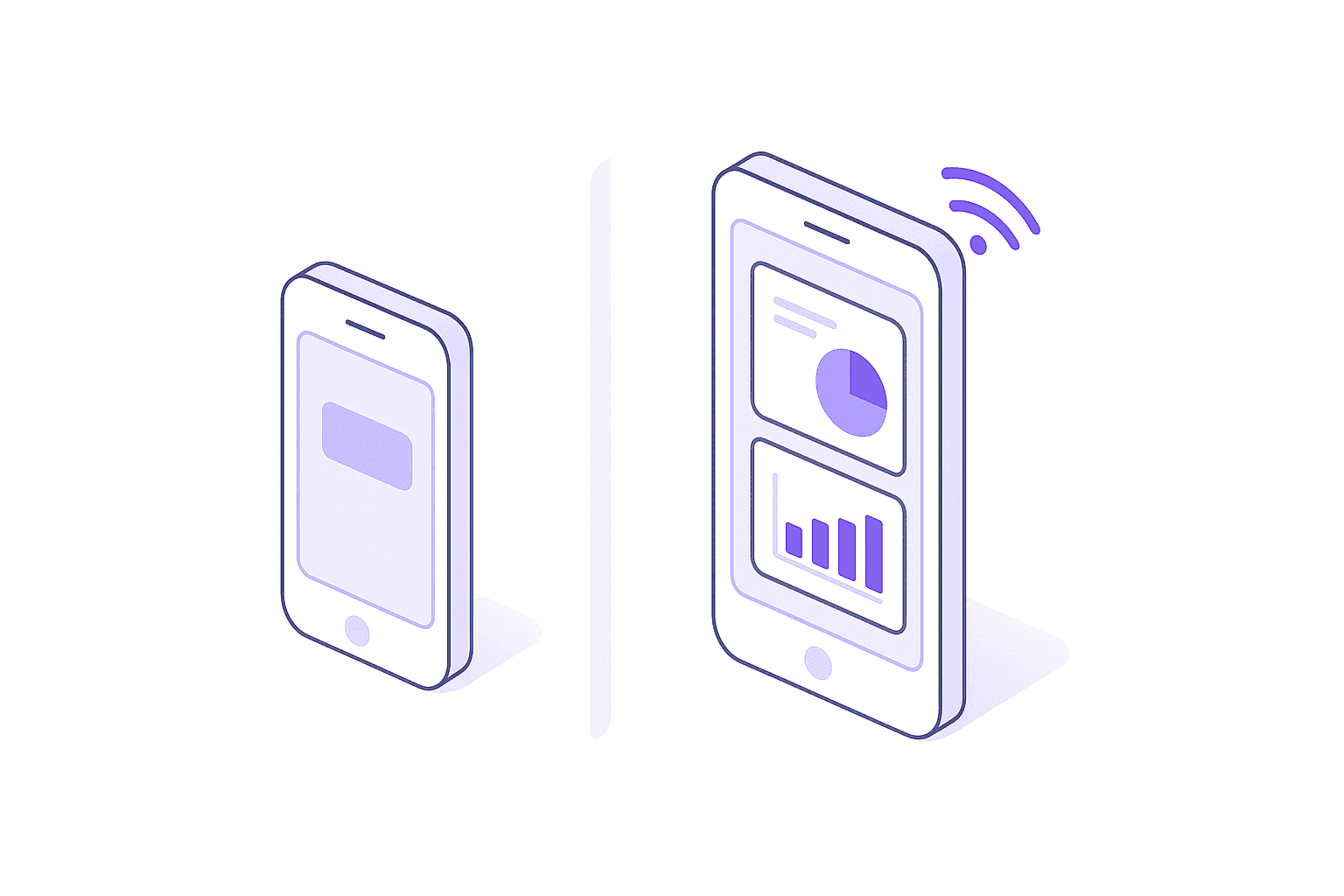
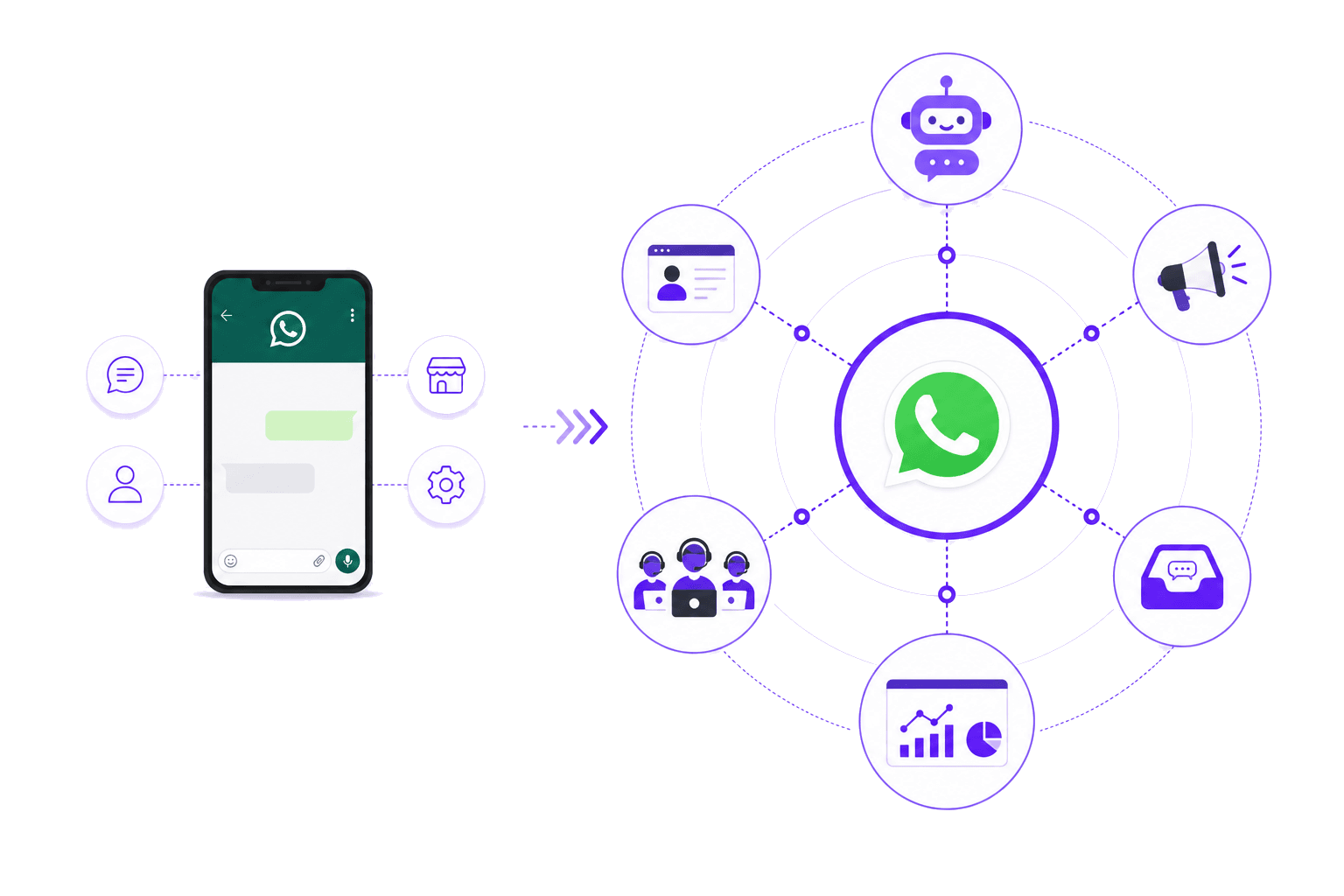
Side-by-side comparison
| Feature | Business App (free) | Business API |
|---|---|---|
| Price | Free | Meta per-message fees + BSP/agency costs |
| Devices | 1 phone + up to 4 linked devices | Unlimited agents and devices |
| Broadcast limit | 256 contacts per broadcast | No limit |
| Chatbot automation | Basic auto-replies and quick replies | Full chatbot flows, AI agents, decision trees |
| CRM integration | None | Full API integration with any CRM |
| WhatsApp Flows | Not available | In-chat forms, surveys, catalogs |
| Campaign analytics | Blue ticks only | Delivery, read, response, and conversion rates |
| Green tick | Not available | Available (subject to Meta approval) |
| Team inbox | Shared across linked devices | Multi-agent with routing, assignment, history |
| Best for | Solo operators, low volume | Teams, high volume, automation needs |
When the free app is enough
The WhatsApp Business App works well if you:
- Run a one-person or very small operation
- Handle fewer than 20-30 conversations per day
- Don't need to broadcast to more than 256 contacts
- Don't need CRM integration or analytics
- Are comfortable managing from one phone
When you need the API
Your team shares the workload. If more than one person handles conversations, you need a multi-agent inbox.
You broadcast to more than 256 contacts. The 256-contact cap is a hard wall. The API has no limit.
You want automation. Chatbot flows, follow-ups, appointment reminders, lead qualification — none possible on the free app.
You need analytics. The API gives you delivery, read, response, and conversion rates by campaign.
You want the green tick. Only available through the API.
What about cost?
Meta charges per template message: marketing ~S$0.07, utility ~S$0.02, service replies are free. BSP platforms cost $79 to $367+/month. For a full breakdown, see our pricing guide.
The cost question is really a return question. If automation saves your team 20 hours a week and ensures every lead gets a follow-up, the API pays for itself quickly.
Can you switch from the app to the API?
- Complete Meta Business verification (1 to 3 business days)
- Register your existing number through the API or BSP
- Verify ownership via SMS or voice call
Once migrated, you can't use the free app on that number simultaneously. Your contacts keep their chat history. You can register a second number for the API and run both in parallel while you transition.