What is the WhatsApp Business API?
The WhatsApp Business API is a programmable interface that connects your business systems (CRM, helpdesk, marketing platform) to WhatsApp. Meta launched it in 2018 for medium and large businesses that need more than the free WhatsApp Business App can offer.
As of October 2025, the only supported version is the Cloud API, where Meta hosts the infrastructure and you connect via API calls. The older on-premises API was sunsetted in October 2025.
The API itself has no user interface — it's accessed through a platform built on top of the Cloud API. With DoubleAM, that platform and the automation that runs on it come as one managed package under your brand.
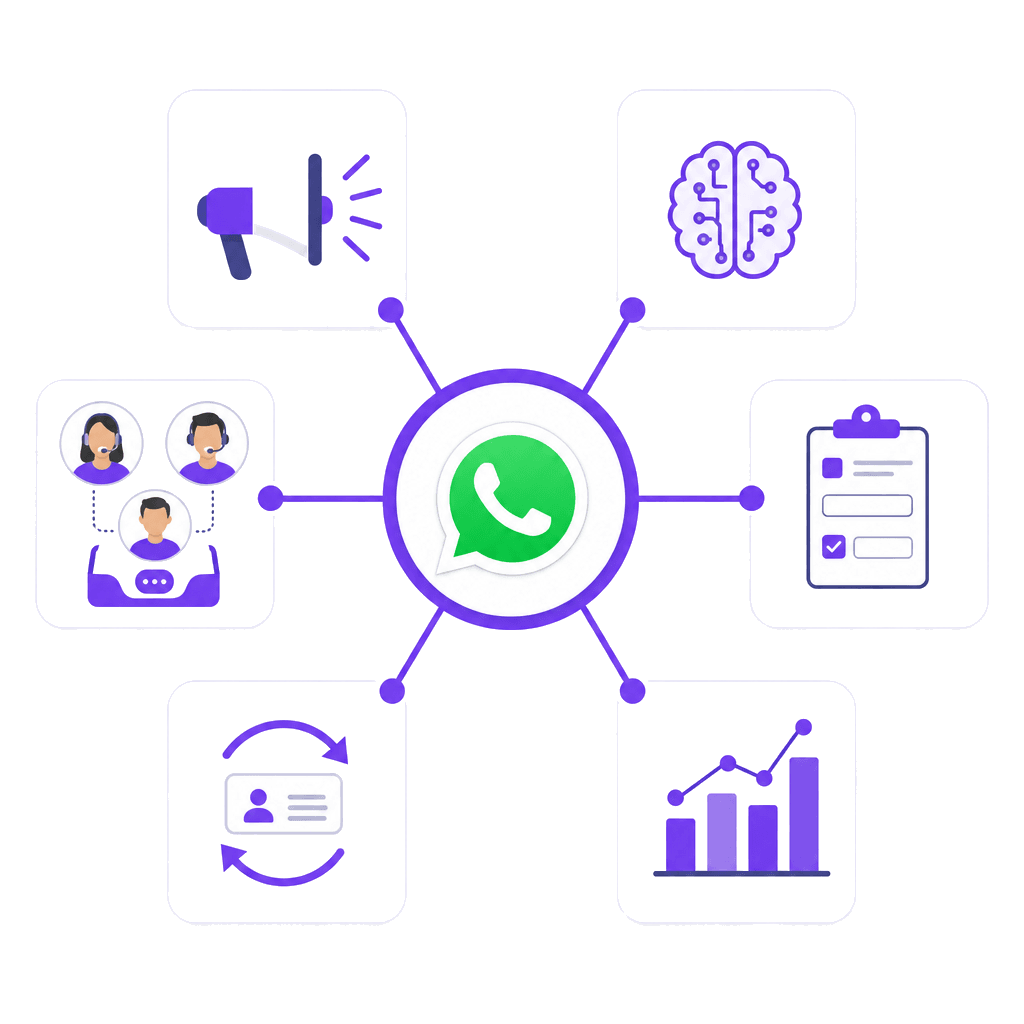
The WhatsApp Business API is Meta's enterprise messaging interface that connects business systems to WhatsApp. It supports unlimited broadcasts, multi-agent inboxes, chatbot automation, WhatsApp Flows, and CRM integration. In Singapore, it's the standard for businesses that need to message customers at scale while staying PDPA-compliant.
How does the WhatsApp Business API work in Singapore?
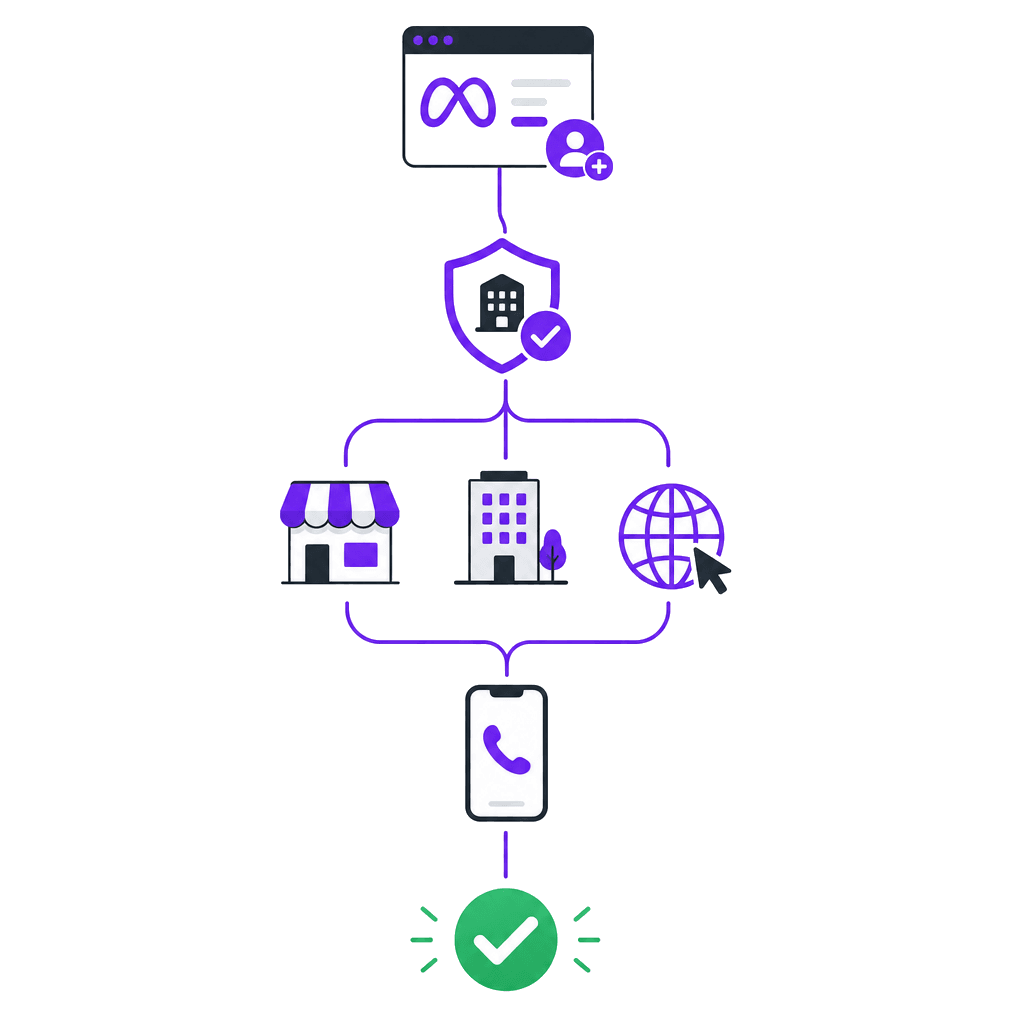
Step 1: Create a Meta Business account. Your business is registered on Meta Business Suite using your Singapore business registration number (UEN), a business website, and a working phone number.
Step 2: Verify your business. Meta reviews your business for compliance with their Commerce Policy. For Singapore businesses this typically takes 1 to 3 business days, using your ACRA BizFile.
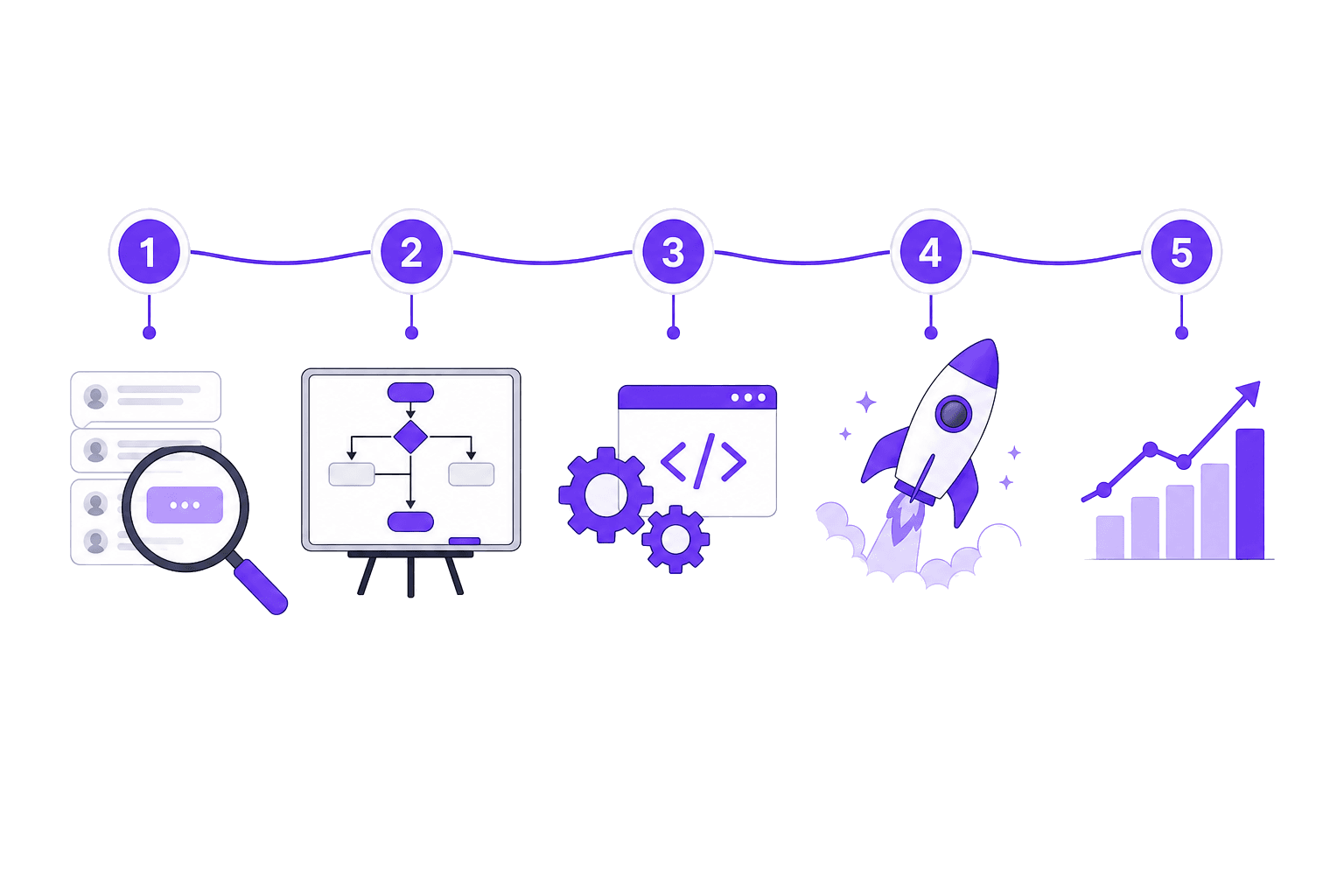
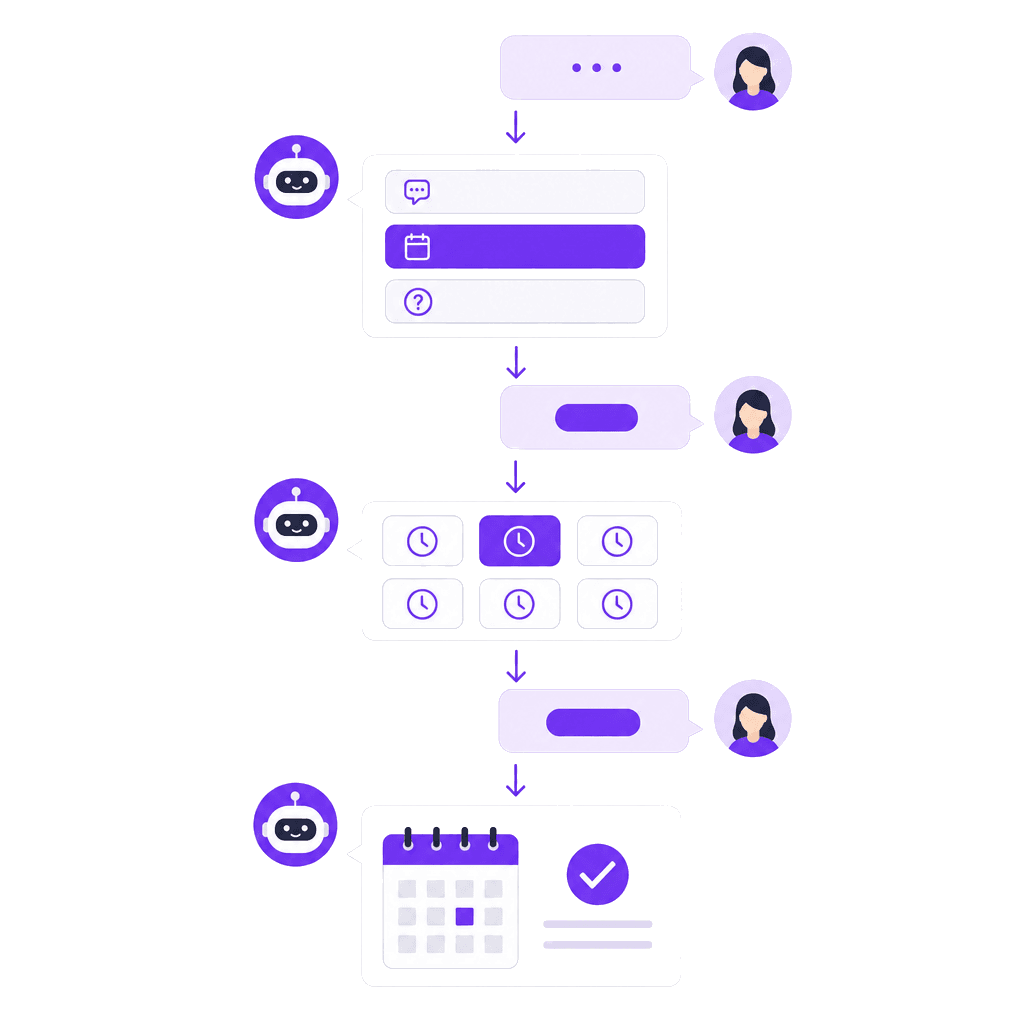
Step 3: Connect the platform and automation. This is where DoubleAM comes in — we connect the Cloud API, set up the messaging platform, and build the automation layer: chatbot flows, CRM integration, broadcast sequences and lead qualification. You get a working system, not a toolkit to assemble.
Step 4: Register your phone number. Migrate an existing number or register a new one. Once on the API, it can't be used on the free WhatsApp Business App simultaneously.
Step 5: Apply for Green Tick verification (optional). The green checkmark badge next to your business name. Meta grants this based on business notability — we handle the application for our clients.
WhatsApp Business API pricing in Singapore
We partner with GoHighLevel to give you WhatsApp Business API at platform cost — no markup, no hidden fees.
What you pay:
| Item | Monthly cost |
|---|---|
| GHL platform access | $19.90 SGD |
| WhatsApp Business API + coexistence | $11.00 SGD |
| Total platform cost | $30.90 SGD/month |
| Per-message cost | Meta's direct rates — see current rates |
That's it. We don't mark up your messages. When Meta charges $0.0732 SGD for a marketing message, you pay $0.0732 SGD.
What DoubleAM adds on top:
- Full WhatsApp Business API setup and configuration
- AI chatbots trained on your business
- Broadcast campaigns and automated sequences
- CRM integration and lead routing
- Ongoing management and optimization
How DoubleAM compares
| DoubleAM (via GHL) | SleekFlow | Moobicast | Advergreen | |
|---|---|---|---|---|
| Platform cost | $31/mo SGD | From $79/mo USD (~$107 SGD) | Custom quote | Custom quote |
| Per-message markup | None — Meta's direct rates | Yes | Yes | Yes |
| Setup & management included | Yes — chatbots, CRM, automations | No — self-serve | No — self-serve | Partial |
| AI chatbots | Included | Add-on | Add-on | Not offered |
| Time to go live | 2–3 weeks (done for you) | Self-setup | Self-setup | Varies |
| Transparent pricing | Yes — GHL platform cost shown | Tiered plans | Contact us | Contact us |
Prices as of July 2026. Competitor pricing from their public websites.
For more detail, see our WhatsApp Business API pricing guide.
One vendor, the whole stack
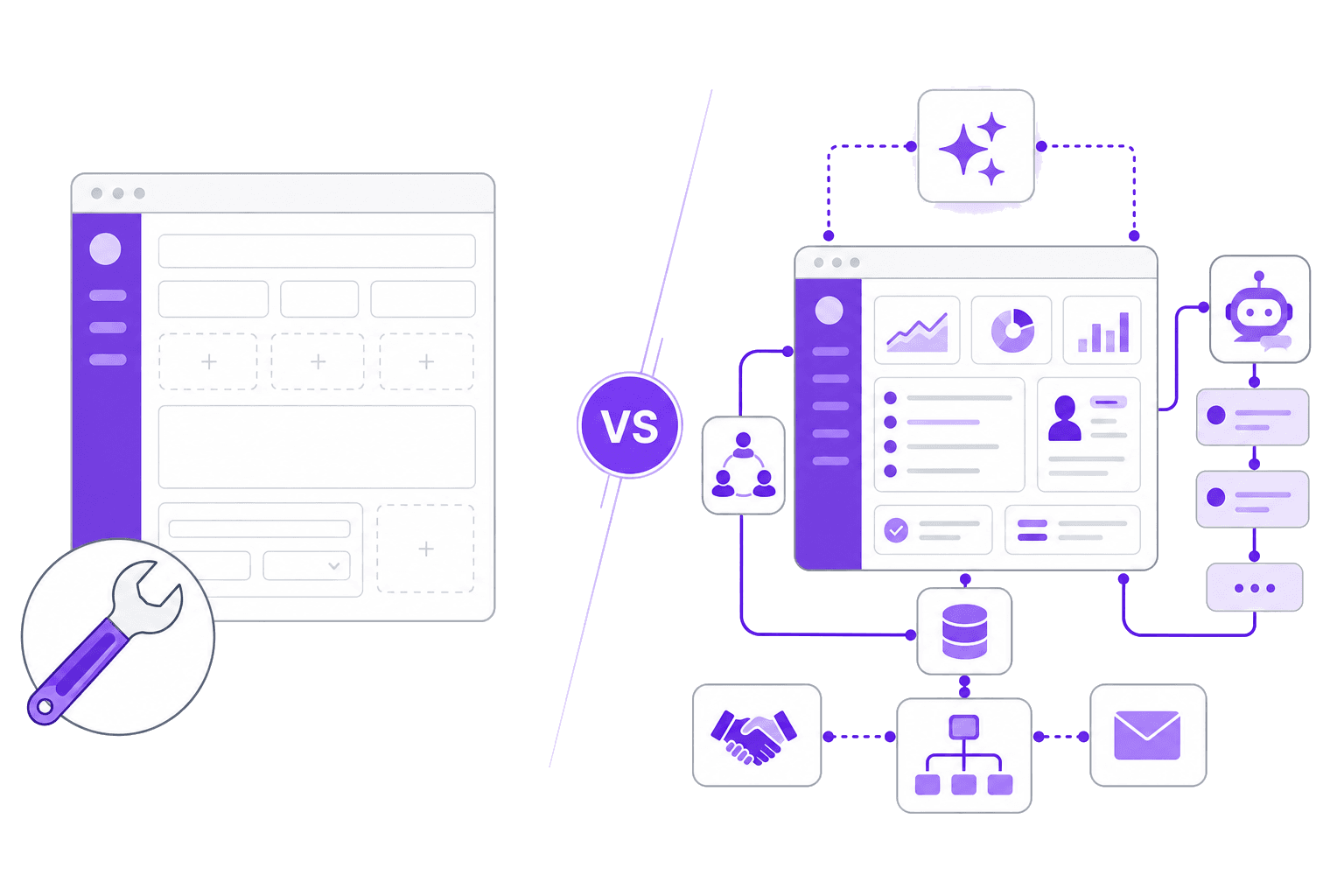
You can assemble the WhatsApp Business API yourself — sign up to a provider for the messaging platform, hire a developer to connect the Cloud API, and buy a separate tool for automation. It works, but it's three vendors, three bills, and three things to keep in sync.
DoubleAM delivers all of it as one done-for-you system: the API access, the messaging platform, and the automation — built, branded, and managed for you. You get the outcome without running the moving parts.
| Do it yourself | DoubleAM | |
|---|---|---|
| What you get | A dashboard you configure and maintain | A fully built system: chatbots, CRM, workflows, AI |
| Setup | Self-service, plus a developer for the API | Done-for-you, tailored to your business |
| Ongoing | You manage it yourself | Ongoing optimisation and support |
| Timeline | Weeks of assembly | Live in 2 to 3 weeks |
PDPA compliance: what Singapore businesses need to know
Consent is required for marketing messages. Before adding someone to a WhatsApp broadcast list, you need their informed, voluntary, and specific consent. Keep records of when and how consent was obtained.
Service messages don't need separate marketing consent. If a customer contacts you, you can reply. But you can't add them to a marketing broadcast list without separate consent.
WhatsApp messages are encrypted. End-to-end encryption satisfies the PDPA's data protection obligation for messages in transit. Data stored in your CRM also needs protection.
The DNC Registry situation is nuanced. The safest approach is to treat WhatsApp marketing the same as SMS for DNC purposes: check the registry within 30 days of sending, and include an opt-out mechanism in every marketing message.
What can you actually do with the WhatsApp Business API?
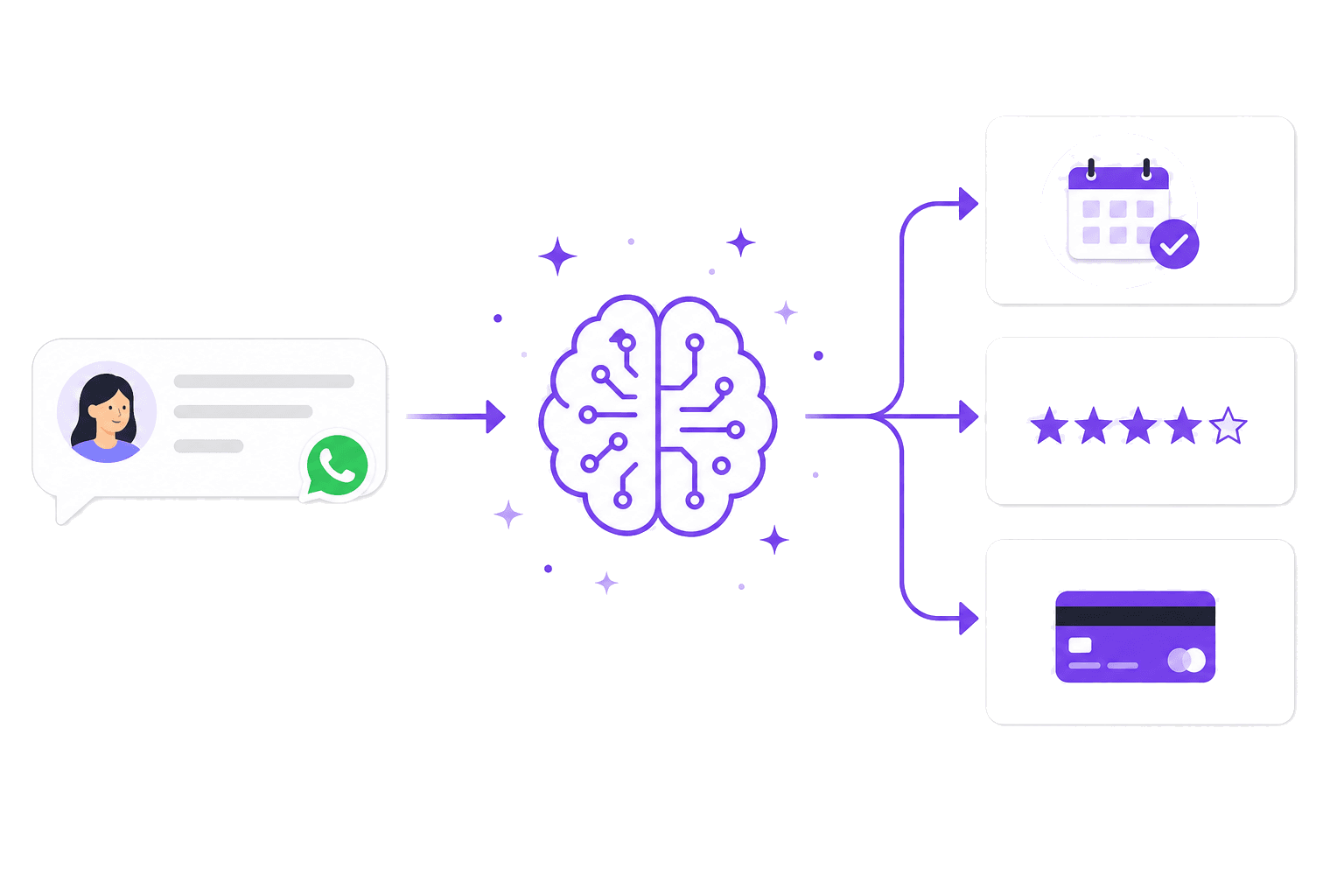
- Broadcast campaigns: Send promotional messages to thousands of contacts at once, segmented by behaviour, purchase history, or custom tags.
- AI chatbots: Deploy a chatbot that answers FAQs, qualifies leads, collects information, and books appointments.
- WhatsApp Flows: Interactive forms, surveys, and product catalogues inside the WhatsApp conversation.
- Multi-agent inbox: Multiple team members manage conversations from the same number with routing rules and history.
- CRM integration: Every WhatsApp conversation syncs to your CRM automatically.
- Automated follow-ups: Drip sequences triggered by customer actions.
- Campaign analytics: Track delivery, read, response, and conversion rates.
How to get started
Start a conversation on WhatsApp and tell us what you're trying to automate. We'll map the setup, give you a straight answer on cost and timeline, and take it from there. From zero to a working WhatsApp automation system in 2 to 3 weeks.