Five AI automations that solve real SME problems
Most Singapore SMEs do not need a complicated AI project. They need fewer missed WhatsApp enquiries, faster follow-up, less appointment coordination, cleaner payment collection, and a reliable way to ask happy customers for reviews.
Those are workflow problems. Each has a clear trigger, a short series of actions, and a point where a person can take over. They can be built on one CRM and automation platform instead of spread across separate chatbot, calendar, email, and spreadsheet tools.
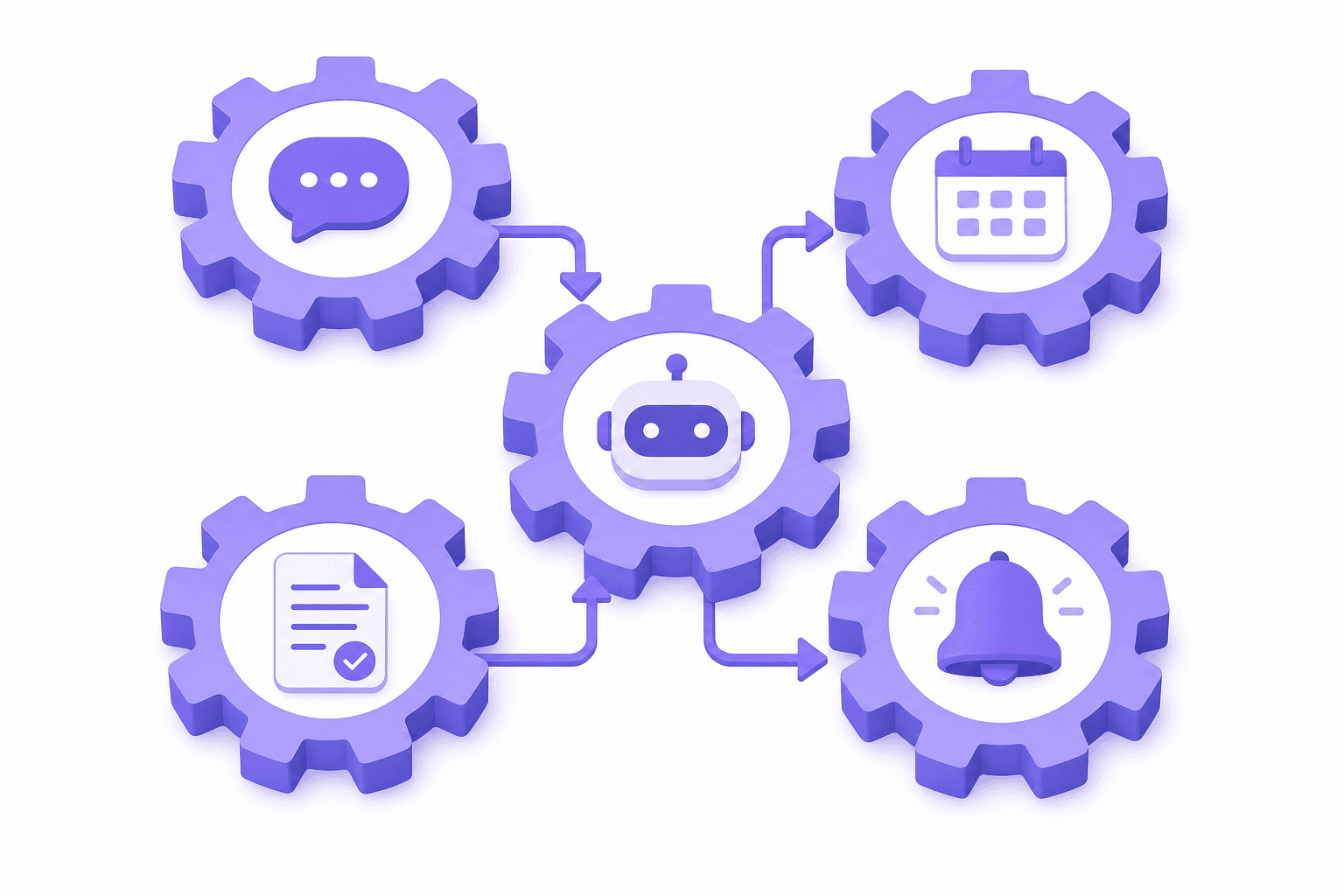
Here are five automations DoubleAM regularly builds on GoHighLevel. The examples are deliberately ordinary because that is where automation earns its keep.
1. An AI chatbot for after-hours enquiries
A customer messages your business at 10.45pm. They want to know the price, whether you serve their area, and if Saturday appointments are available. If nobody replies until the next morning, they may contact another business in the meantime.
An AI chatbot can respond immediately on WhatsApp. It reads the question, answers from an approved knowledge base, and asks for the details needed to move the enquiry forward.
For a cleaning company, the flow might be:
- The customer asks for a quote.
- The chatbot asks for property type, number of rooms, postcode, and preferred date.
- It explains the standard service scope and indicative price range.
- It saves the answers to the contact record.
- It alerts a staff member if the request needs a custom quote.
The chatbot should not pretend to know everything. Pricing exceptions, complaints, medical advice, and unusual requests need a human handoff. A good flow says that clearly and sends the conversation to the right person with the context already collected.
What it saves
The obvious saving is after-hours coverage. It also cuts the time staff spend answering the same questions about operating hours, location, basic pricing, and availability.
Setup normally starts with the ten to twenty questions your team receives most often. The answers are reviewed, the qualification questions are agreed, and human handoff rules are added before launch. Read more about the full AI employee setup if you want the chatbot to take actions rather than only answer questions.
2. Automated lead routing and follow-up
Many SMEs collect leads from several places: website forms, Meta ads, WhatsApp, referrals, and walk-ins. The lead details end up in separate inboxes or a spreadsheet. Someone has to notice each one, decide who owns it, and remember to follow up.
Lead routing puts that process into the CRM. When an enquiry arrives, the workflow creates or updates the contact, records the source, tags the service requested, and assigns the lead using rules set by the business.
A tuition centre with three outlets could route by postcode or selected branch. A renovation company could assign residential and commercial enquiries to different salespeople. A clinic could send new-patient enquiries to reception while directing existing-patient questions to support.
The follow-up can begin at once:
- An immediate WhatsApp acknowledgement confirms that the enquiry was received.
- A task is created for the assigned staff member.
- If nobody replies within a defined period, the system sends a reminder internally.
- If the lead goes quiet, a short follow-up is sent the next day.
- The workflow stops as soon as the person replies or opts out.
This is not about bombarding a lead with ten automated messages. Two relevant messages sent at the right time are better than a long generic sequence.
What it saves
Staff no longer copy details between inboxes and spreadsheets. Managers can see which leads are new, contacted, booked, won, or lost. More importantly, an enquiry does not sit unnoticed because the person who normally checks Instagram was on leave.
The basic routing rules can be set up in a few days once the pipeline stages and ownership rules are clear. Businesses with several sources or departments need more testing. DoubleAM's AI lead generation service covers the capture and follow-up side in more detail.
3. Appointment booking without the back-and-forth
Booking by chat often takes six or seven messages.
"Are you free on Friday?"
"Morning or afternoon?"
"Afternoon."
"We have 2pm and 4pm."
"Can I do 3pm?"
"No, only 2pm or 4pm."
A calendar automation removes that exchange. The chatbot or booking page shows only available slots, the customer chooses one, and the system creates the appointment. It can then send a confirmation, a reminder, and a rescheduling link.
The calendar can account for working hours, service duration, staff availability, breaks, and buffer time. A physiotherapy assessment might require 45 minutes and a particular practitioner. A home-service booking may need a two-hour window and routing by area. Those rules belong in the booking setup, not in a staff member's memory.
Once booked, the contact moves to the correct CRM stage and the assigned employee receives a notification. If the customer cancels, the slot reopens. If they do not confirm, the workflow can remind them without reception checking a list manually.
What it saves
The largest gain is not the minute spent sending each message. It is the interruption. Staff can finish the work in front of them instead of switching into WhatsApp every time a customer suggests another time.
A simple single-calendar booking flow can be configured quickly. Multiple locations, service types, or staff rosters require more rules and testing. The flow still needs a manual route for customers whose request does not fit the available options.
4. Invoice and PayNow collection through WhatsApp
Sending an invoice is easy. Matching the incoming PayNow transfer to the correct invoice is where the manual work begins, especially when several customers pay the same amount or leave the reference blank.
A payment workflow can generate a fixed-amount PayNow QR code with the invoice or order reference encoded in it. The QR is sent with the payment request on WhatsApp. The customer scans it in their banking app, sees the amount already filled in, and confirms.
For example:
- A customer accepts a S$300 service quote.
- The CRM moves the deal to "Deposit due."
- A PayNow QR is generated for S$100 with reference "INV-2048-DEP."
- WhatsApp sends the QR and a short payment message.
- The reference makes the bank transfer easier to match to that invoice.
- Staff update payment status based on the bank record or the accounting workflow in use.
DoubleAM's PayNow product generates the QR and reference. It does not hold the funds or replace the bank's payment record. The money travels directly from the customer's bank to the business bank account.
What it saves
Customers do not type the amount, which reduces payment mistakes. The reference reduces guesswork during reconciliation. Staff also avoid creating each QR manually and attaching it to a separate message.
This works for deposits, invoices, event bookings, tuition fees, and order payments. The PayNow tools cover free QR generation and integration options, while WhatsApp automation handles delivery and follow-up.
5. Review requests after a completed service
Most businesses ask for reviews inconsistently. Staff remember when a customer praises them in person, then get busy and forget to send the link. As a result, a business can serve hundreds of happy customers and still have very few recent Google reviews.
A review request automation starts from a reliable business event. That could be an appointment marked completed, a job moved to "Delivered," or an order closed in the CRM. After a sensible delay, the customer receives a short WhatsApp message thanking them and linking to the review page.
Timing matters. A dental clinic might send the request the next day. A renovation company should wait until handover is complete. A restaurant can send it a few hours after a booking, but not while the customer is still eating.
The workflow should stop after one reminder. Repeated requests annoy customers and can turn a positive experience into a negative one. It should also exclude complaints, refunded orders, cancelled appointments, and anyone who opted out of messages.
What it saves
The process becomes consistent without staff maintaining a list of people to contact. Recent reviews also give prospective customers a current picture of the business rather than a rating built on comments from several years ago.
The setup is usually simple once the completion trigger and review link are known. The main work is making sure the exclusions are right.
Put the five automations on one customer record
These workflows are more useful together than as five disconnected tools. The same contact can move from first enquiry to qualified lead, booking, payment, and post-service review without being copied between systems.
That gives the team one history. They can see what the customer asked, which appointment they booked, what payment reference was sent, and whether a review request has already gone out.
Through DoubleAM, GoHighLevel platform access costs S$19.90 per month. WhatsApp Business API with coexistence is S$11 per month. The combined platform cost is about S$31 per month plus Meta's direct message charges. DoubleAM handles the done-for-you setup, with scope based on the workflows and integrations required.
Start with the process that currently causes the most missed work. Prove that flow, let staff use it, and then connect the next one. Five tested automations are more useful than fifty half-configured workflows.
Last updated: July 2026. Platform pricing reflects DoubleAM's current rates. Setup scope depends on the number and complexity of workflows required.
Frequently asked questions
Start with one repeated process that has a clear trigger and outcome. A good first choice is lead follow-up: when someone submits a form or messages your business, create a CRM contact, assign the lead, and send a reply automatically. Test that flow before adding booking, payment, or review automations. DoubleAM builds these connected workflows on GoHighLevel for Singapore SMEs.
For customer-facing work, useful tools include an AI chatbot, a CRM with workflow automation, a shared calendar, WhatsApp Business API, and PayNow QR generation. The tools matter less than how they connect. GoHighLevel combines the chatbot, CRM, calendar, messaging, and workflows, while DoubleAM's PayNow tools generate fixed-amount QR codes with references.
Processes with repeated steps and clear rules are good candidates. Common examples are answering frequently asked questions, qualifying leads, assigning enquiries, sending follow-ups, booking appointments, issuing reminders, generating PayNow QR codes, and requesting reviews after a completed service. Complaints, negotiations, and unusual cases should still go to a person.
DoubleAM's underlying GoHighLevel platform access is S$19.90 per month. WhatsApp Business API with coexistence is S$11 per month, so the combined platform cost is about S$31 per month plus Meta's direct message charges. Done-for-you setup depends on the workflows required. Custom software projects from other providers can cost thousands of dollars upfront.
Usually, no. It removes repeated administrative work and gives staff a cleaner queue of conversations that need judgement. A chatbot can answer opening-hour questions and collect lead details, but a person should handle a sensitive complaint or a complex quotation. The practical goal is faster response and fewer missed tasks, not removing every human step.