WhatsApp Broadcast Singapore: How to Send Bulk Messages Without Getting Banned
WhatsApp broadcast in Singapore: two very different tools with the same name
Most Singapore businesses that try WhatsApp broadcasting hit a wall within the first week. They add their customers to a broadcast list, send a promotion, and half the messages never arrive. The other half get no replies. Some businesses push harder, send more, and wake up to a banned number.
The problem is that "WhatsApp broadcast" means two completely different things depending on which version of WhatsApp you are using. Understanding the difference is the first step to using it properly.
Broadcast lists on the WhatsApp Business App
The WhatsApp Business App is the free version that most small businesses in Singapore start with. It has a broadcast list feature built in, and it works like this:
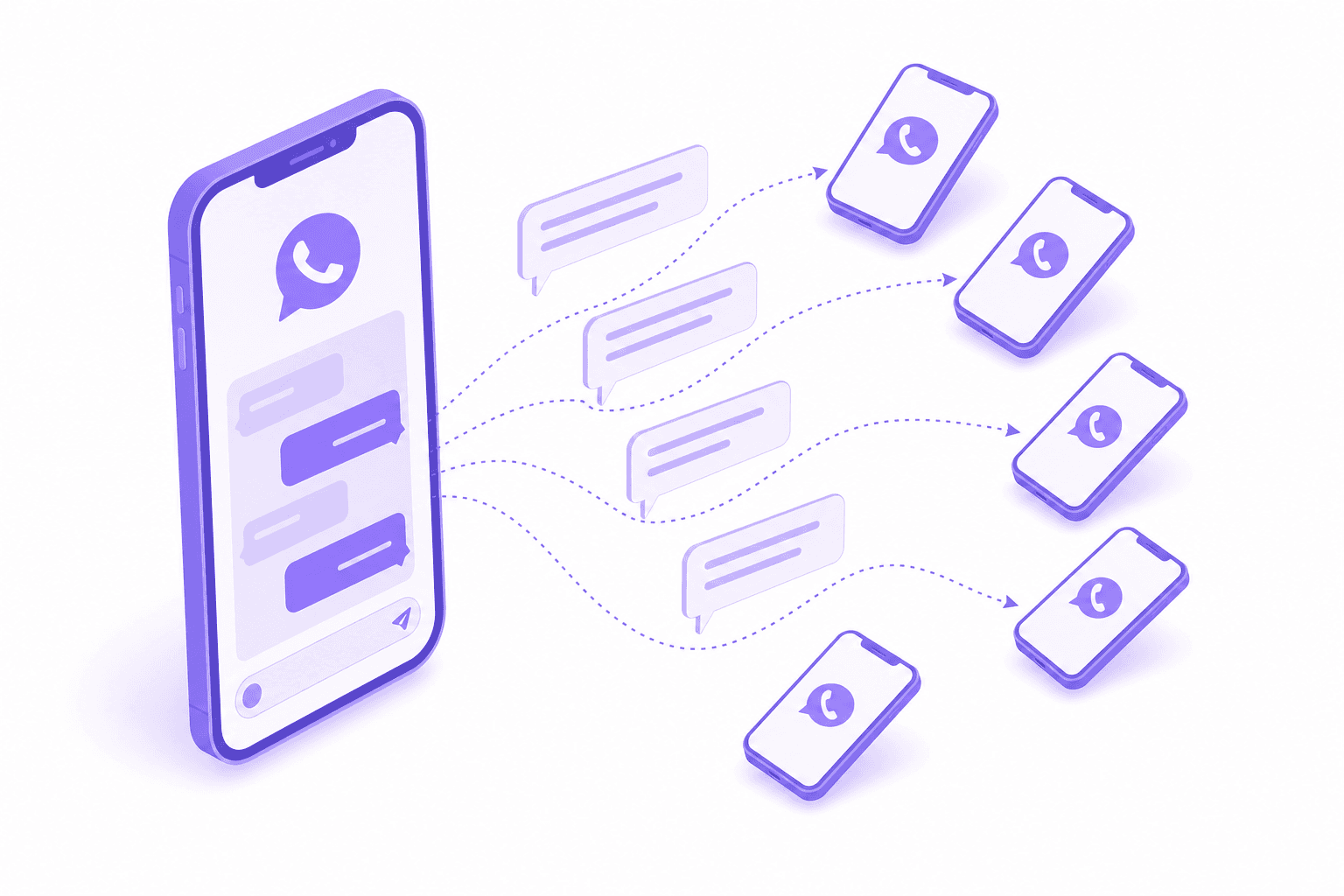
You create a list, add up to 256 contacts, type your message, and hit send. Each person receives it as an individual message, not as a group. Their replies come back to you in a private chat.
Simple enough. But there are two restrictions that trip people up.
Recipients must have your number saved in their phone. If they don't, the message is silently dropped. You won't get an error. The message just disappears. This is why businesses send a broadcast to 200 people and only 60 see it.
The cap is 256 contacts per list. You can create multiple lists, but each one tops out at 256. If you have 1,000 customers, you need four lists, and you're sending each broadcast four times manually.
For a hawker stall telling regulars about a new item, this works. For a clinic, tuition centre, or service business with hundreds or thousands of contacts, it doesn't scale.
Broadcast through the WhatsApp Business API
The WhatsApp Business API is the paid, platform-grade version of WhatsApp. It's what businesses like airlines, banks, and e-commerce platforms use. In Singapore, it's increasingly what SMEs use too, because the cost has dropped to the point where it makes sense for smaller operations.
API broadcasts work differently from broadcast lists in three key ways.
No contact cap. Your messaging limit starts at 1,000 unique contacts per 24 hours for a new number. As your quality rating improves and you verify your business, that limit increases to 10,000, then 100,000, then unlimited. There's no 256-person ceiling.
Recipients don't need to save your number. As long as they've opted in to receive messages from you, the message will arrive regardless of whether your number is in their contacts.
All outbound messages must use approved templates. You can't type a freeform message and blast it to your list. Every broadcast message must follow a template that Meta has reviewed and approved. Templates can include variables (like the customer's name or appointment time), images, documents, buttons, and calls to action. But the structure and wording need approval first.
This template requirement is both the biggest limitation and the biggest protection. It's what keeps the API from becoming a spam channel, and it's what keeps your number from getting banned.
What gets you banned
WhatsApp is aggressive about protecting user experience. Whether you're using the free app or the API, certain patterns will get your number flagged, restricted, or permanently banned.
Sending to people who didn't opt in. If you scraped numbers from a directory, bought a contact list, or added people who never agreed to hear from you, reports pile up fast.
High block and report rates. WhatsApp tracks how many recipients block you or tap "Report" after receiving your message. If this percentage crosses a threshold (which WhatsApp doesn't publish, but the industry consensus puts around 2-5% of recipients), your quality rating drops.
Sending too frequently. Even with opted-in contacts, bombarding them with daily promotions will generate blocks. Once or twice a week is the typical ceiling before fatigue sets in for marketing messages.
Sending non-template messages to cold contacts through the API. Outside a 24-hour customer service window (where you can reply freely to someone who messaged you first), every outbound API message needs a template. Trying to circumvent this will get your account suspended.
Quality rating drops. The API dashboard shows your quality rating as green (high), yellow (medium), or red (low). A low rating automatically restricts your messaging limits. If it stays low, Meta can revoke your API access.
The short version: send only to people who agreed to hear from you, use approved templates, and don't overdo the frequency.
How to run compliant broadcasts in Singapore
Here is a practical workflow that keeps your account in good standing while actually reaching your customers.
1. Build your opt-in list properly
Every contact on your broadcast list should have actively opted in. In Singapore, this usually means one of these:
- They messaged you first on WhatsApp (the best opt-in there is).
- They ticked a box on a form or booking page agreeing to WhatsApp updates.
- They replied "YES" to an opt-in message you sent them individually.
Do not add people from old databases, name card collections, or purchased lists. Even if they're real customers, if they didn't specifically agree to WhatsApp messages, the risk is real.
2. Create templates that provide value
Meta approves templates that look like legitimate business communication and rejects templates that look like spam. Good templates in Singapore tend to be:
- Appointment reminders with date, time, and a "Confirm" or "Reschedule" button.
- Order updates with tracking information.
- Seasonal promotions with a clear offer and an opt-out option.
- Re-engagement messages for customers who haven't visited in a while.
Bad templates are vague ("Hi! Check out our latest deals!"), excessively promotional, or missing an opt-out mechanism.
3. Segment your audience
Do not send the same message to your entire list. A promotion for new customers should not go to loyal regulars. A reminder about an expiring package makes no sense to someone who already renewed.
Segmentation reduces blocks, increases reply rates, and keeps your quality rating healthy. The more relevant the message, the less likely someone is to report it.
4. Time your broadcasts
For Singapore businesses, the sweet spots are typically Tuesday through Thursday, between 10am and 12pm or 2pm and 4pm. Avoid weekends unless you're in F&B or retail. Never send before 9am or after 9pm.
5. Monitor your quality rating
If you're on the API, check your quality rating weekly. A dip from green to yellow means something is off. Review your recent broadcast content, frequency, and which segments you targeted. Adjust before it drops to red.
How DoubleAM handles this
DoubleAM provides WhatsApp Business API access at $11 SGD per month, with no markup on Meta's per-message rates. The platform access through GoHighLevel is an additional $19.90 SGD per month. Total: about $31 SGD per month plus message costs.
What that includes for broadcasts specifically:
Template creation and submission. DoubleAM creates your message templates and submits them to Meta for approval. Most templates are approved within minutes to a few hours.
Audience segmentation. Contacts in the CRM can be tagged, filtered, and grouped by any criteria: last visit date, service type, location, spend level. Each broadcast targets a specific segment.
Drip sequences. Instead of sending one blast, you can set up a sequence. For example: a promotion goes out on Monday; anyone who doesn't open it gets a follow-up on Wednesday with different wording; anyone who clicks the link but doesn't book gets a third message on Friday.
Automated opt-out handling. When someone replies "STOP" or "Unsubscribe", they're automatically removed from future broadcasts. This is both a compliance requirement and good practice.
Campaign tracking. You can see delivery rates, read rates, and reply rates for each broadcast. This is data the free WhatsApp Business App doesn't provide at all.
The setup is done for you. You don't configure the API, build templates, or manage the technical side. You tell DoubleAM what you want to communicate and to whom, and the broadcast goes out correctly.
When the free app is enough
Not every business in Singapore needs the API. If you have fewer than 200 customers, most of them have your number saved, and you send updates once or twice a month, the free WhatsApp Business App's broadcast list works fine. It costs nothing and takes no setup.
The switch to the API makes sense when:
- You have more than 256 contacts to reach.
- Many customers haven't saved your number.
- You want to automate follow-up sequences, not just one-off blasts.
- You need delivery and read tracking.
- You're sending promotional content and want to stay compliant with Meta's rules.
For a deeper look at connecting the API to your business tools, see the WhatsApp Business API integration guide. If you want to go beyond broadcasts into full WhatsApp automation (auto-replies, chatbot flows, appointment booking), the same $31/month platform covers all of that too.
Last updated: July 2026. Pricing reflects DoubleAM's current rates. Meta's template-message fees vary by category and recipient country.
Frequently asked questions
With the free WhatsApp Business App, you can broadcast to up to 256 contacts per list, and only to contacts who have saved your number. With the WhatsApp Business API, there is no hard cap. Your messaging limit starts at 1,000 unique contacts per 24 hours for a new number and scales to 100,000 or unlimited as your quality rating improves.
A broadcast sends your message individually to each recipient. They see it as a normal one-on-one chat and their replies come back to you privately. A group puts everyone in the same conversation where all members can see each other's messages. Broadcasts are better for marketing and announcements. Groups are better for team coordination or community discussion.
Not strictly. The free WhatsApp Business App supports broadcast lists of up to 256 people. But if you need to reach more contacts, send template-based messages, or automate your campaigns, you need the WhatsApp Business API. Through DoubleAM, API access costs $11 SGD per month plus Meta's per-message rates.
The API itself costs $11 SGD per month through DoubleAM. Meta also charges for each delivered template message, with the rate depending on the message category and recipient country. DoubleAM passes Meta's direct rates through with no markup, so the final campaign cost depends on your audience and template type.
Yes. WhatsApp monitors your quality rating based on how recipients interact with your messages. If too many people block you or report your messages as spam, your quality rating drops. A low rating restricts your messaging limits, and repeated violations can get your number banned. Using approved message templates and sending only to contacts who have opted in keeps your account safe.