What a WhatsApp chatbot actually does for a Singapore business
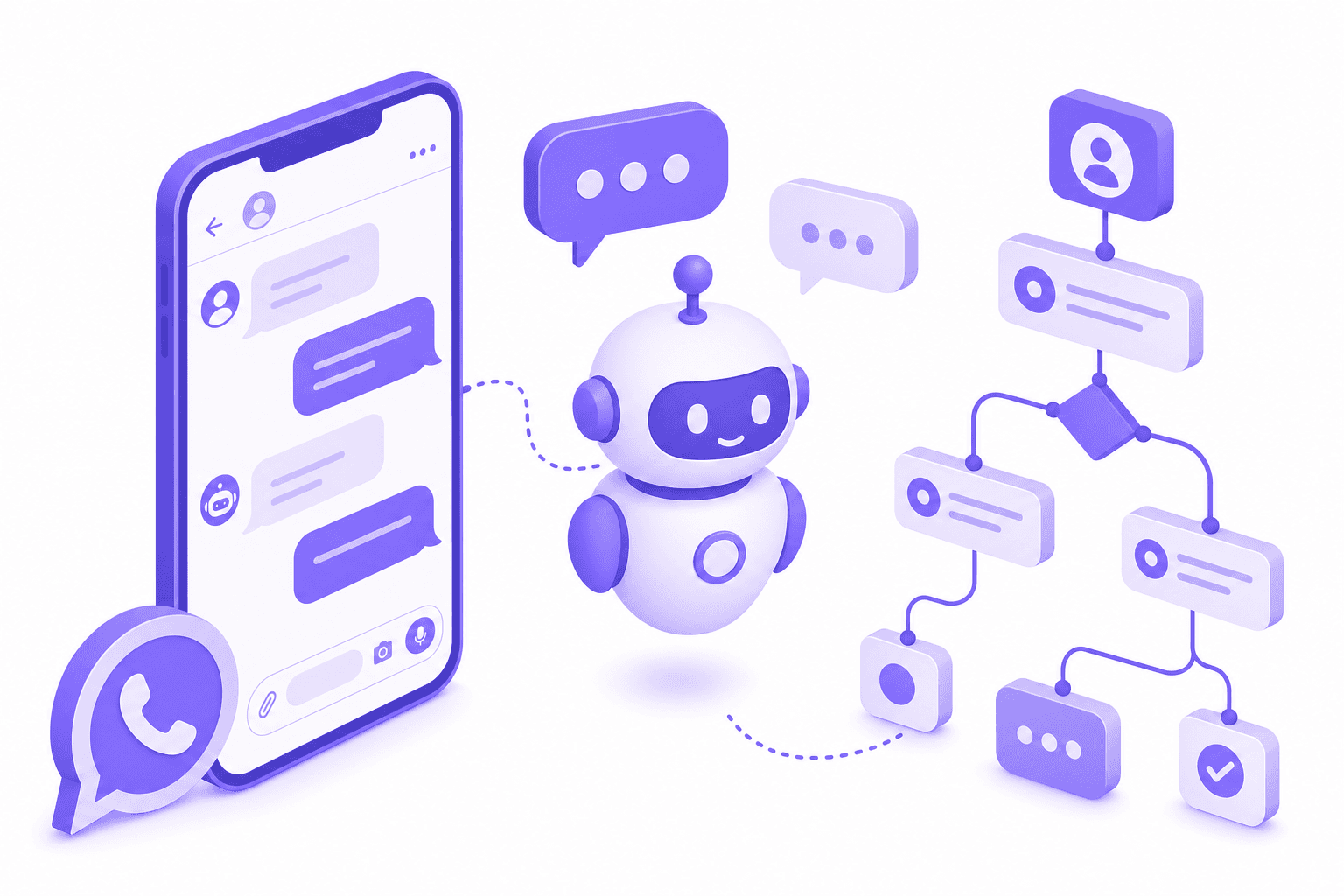
A WhatsApp chatbot is software that replies to incoming WhatsApp messages on your behalf, following rules or AI logic that you define. When a customer messages your business number at 11pm asking about your services, the chatbot answers immediately instead of making them wait until morning.
That's the simple version. In practice, a well-built chatbot does considerably more than auto-replies. It qualifies leads by asking the right questions, books appointments by checking your calendar, routes urgent messages to the right person, and updates your customer records automatically. The business owner wakes up to a list of qualified leads and confirmed bookings, not a pile of unread messages.
For Singapore SMEs, this matters because most customer enquiries come through WhatsApp. If you take more than an hour to reply, the customer has already messaged your competitor. A chatbot replies in seconds, every time, at any hour.
The three tiers of WhatsApp chatbots
Not all chatbots are the same. In Singapore, businesses typically encounter three levels of capability at three different price points.
Tier 1: Built-in auto-replies (free)
The WhatsApp Business App, which is free to download and use, includes basic automation features:
- Greeting message. Automatically sent when someone messages you for the first time or after 14 days of inactivity.
- Away message. Sent during hours you've set as "away", like after business hours.
- Quick replies. Saved responses you can send with a shortcut (e.g., typing "/hours" sends your operating hours). These are not automatic, though. You still type the shortcut manually.
That is the full extent of what the free app offers. There are no conversation flows, no conditional logic ("if the customer says X, do Y"), no calendar integration, and no CRM connection. You cannot set up a sequence of questions that qualify a lead or route the conversation based on answers.
For a sole proprietor who gets five enquiries a day, this covers the basics. For a business handling 20 or more enquiries a day across multiple services, it's not enough.
Tier 2: Third-party chatbot builders ($50 to $200+ per month)
Platforms like Manychat, respond.io, WATI, and Trengo connect to your WhatsApp Business API number and let you build conversation flows with a visual editor. You drag and drop steps: ask a question, wait for a reply, branch based on keywords, send a follow-up, assign to a team member.
Typical pricing:
- Manychat: Free for Instagram and Facebook Messenger, but WhatsApp requires the Pro plan at $15 USD/month for 500 contacts. Scales with contact volume.
- respond.io: From $99 USD/month (about S$135). Includes WhatsApp, Instagram, Telegram, and other channels.
- WATI: From $49 USD/month (about S$66). WhatsApp-only, includes a shared inbox and broadcast features.
- Trengo: From EUR 99/month (about S$145). Multi-channel inbox with chatbot builder.
These platforms give you the chatbot logic you need, but they're typically chatbot-only tools. You still need a separate CRM for customer records, a separate calendar tool for booking, and possibly a separate platform for email or SMS follow-ups. The total cost of the stack adds up.
Tier 3: All-in-one platform with AI ($31 SGD per month through DoubleAM)
This is the approach DoubleAM takes. Instead of a standalone chatbot tool, the WhatsApp chatbot runs inside GoHighLevel, which is also the CRM, the automation engine, the calendar, the pipeline tracker, and the communication hub. Everything is in one place.
The cost: $19.90 SGD per month for the platform plus $11 SGD per month for WhatsApp Business API access. Total: about $31 SGD per month, plus Meta's per-message fees at their published rates with no markup.
What this includes:
- A chatbot that can use AI (not just keyword matching) to understand what customers are asking and respond naturally.
- Lead qualification flows that ask the right questions and tag contacts based on their answers.
- Calendar integration that lets the chatbot book appointments directly.
- CRM records that update automatically as the chatbot gathers information.
- Pipeline management that moves leads through stages based on their interactions.
- Follow-up automations that trigger if a lead goes quiet.
DoubleAM builds all of this as part of the done-for-you setup. You don't configure the chatbot yourself.
What a real chatbot flow looks like
Here is an example based on a typical Singapore service business, such as a physiotherapy clinic.
Step 1: Customer messages your WhatsApp number. "Hi, do you have any slots this week for a first consultation?"
Step 2: AI chatbot responds within seconds. "Hi! Yes, we have slots available this week. To find the best time for you, could I ask a couple of quick questions? What area of concern are you looking to address?"
Step 3: Customer replies. "Lower back pain, been there for about 3 months."
Step 4: Chatbot qualifies and books. "Got it. For lower back issues, our initial assessment is 45 minutes. I have Wednesday 2pm, Thursday 10am, or Friday 3pm available this week. Which works best for you?"
Step 5: Customer picks a slot. "Thursday 10am."
Step 6: Chatbot confirms and updates everything. "Confirmed! Your appointment is Thursday 24 July at 10am with Dr. Tan. You'll receive a reminder the day before. See you then!"
Behind the scenes, the chatbot has done the following without any human involvement:
- Created a new contact in the CRM with the customer's name, phone number, and concern.
- Checked the clinic's live calendar for available slots.
- Booked the appointment on the calendar and blocked that time.
- Tagged the contact as "new patient" and "lower back" for the practitioner's reference.
- Moved the lead to the "Appointment Booked" stage in the pipeline.
- Queued a reminder message for the day before the appointment.
- Sent the clinic owner a notification with the new booking details.
That's seven tasks handled in under two minutes, at 11pm on a Tuesday, without anyone on the team lifting a finger.
What chatbots handle well (and what they don't)
A WhatsApp chatbot works best for structured, repeatable interactions:
- Answering common questions. Operating hours, pricing, location, parking, service descriptions. Any question you answer more than three times a week.
- Qualifying leads. Asking what service someone needs, their budget, their timeline, or their location to determine fit before involving a salesperson.
- Booking appointments. Checking availability, confirming a slot, sending reminders, handling rescheduling.
- Collecting information. Taking down details for a quote, gathering event requirements, or filling in intake forms.
- Routing messages. Sending sales enquiries to the sales team and support requests to the support team, based on what the customer asks about.
A chatbot is not the right tool for complex negotiations, sensitive complaints, or situations that require empathy and judgement. Good chatbot design includes a clear handoff point: when the conversation exceeds what the bot can handle, it notifies a human team member and transfers the chat. The customer should never feel trapped in a loop with no way to reach a person.
Setting up a chatbot: what's involved
If you're going the DoubleAM route, the setup process looks like this:
Week 1: Discovery and API provisioning. DoubleAM reviews your business, identifies the most common customer enquiries, and maps out the chatbot flow. Simultaneously, your WhatsApp Business API is provisioned (linking your phone number, verifying your business with Meta). This typically takes 1 to 3 business days.
Week 1 to 2: Build and integration. The chatbot is built inside GoHighLevel with your specific flows, connected to your calendar, and configured to tag and route contacts in the CRM. If you have an existing website booking system or other tools, those are integrated as well.
Week 2: Testing and go-live. The chatbot is tested with real scenarios before going live. You review the responses, suggest adjustments, and approve the final version. Once live, the chatbot handles incoming messages immediately.
Ongoing: Refinement. Over the first few weeks, DoubleAM reviews the chatbot's conversations to identify gaps (questions it couldn't handle, points where customers dropped off) and refines the flow.
How to decide what you need
Start by counting your weekly WhatsApp enquiries and noting the most common questions.
Under 5 enquiries per day, mostly simple questions: The free WhatsApp Business App's greeting and away messages are probably sufficient. Set those up and reply manually during business hours.
5 to 20 enquiries per day, repetitive questions, missed after-hours messages: A chatbot will save you real time and capture leads you're currently losing overnight. At $31 SGD per month through DoubleAM, it pays for itself if it saves you one or two lost enquiries per month.
20+ enquiries per day, multiple services, team members handling different areas: You need a chatbot with routing, qualification, and CRM integration. This is where the all-in-one platform approach shines, because the chatbot, CRM, calendar, and follow-up automations are all in one place rather than stitched together from separate tools.
If you're already using a standalone CRM like HubSpot or Salesforce and just want to add a WhatsApp chatbot on top, Manychat or respond.io might be a better fit. They're designed to plug into existing stacks. But if you're starting from scratch or replacing a patchwork of spreadsheets and manual processes, building it all in one platform is simpler and cheaper.
For a broader look at AI chatbot capabilities beyond WhatsApp, including website chat, Facebook Messenger, and voice, see the AI chatbot page. If your interest is more in the AI employee concept, where the AI doesn't just chat but actively performs tasks in your business, that's covered on the AI employee page.
Last updated: July 2026. Pricing for DoubleAM, Manychat, respond.io, WATI, and Trengo reflects their published rates as of this date.
Frequently asked questions
It depends on the platform. The WhatsApp Business App's built-in auto-replies are free but very limited. Third-party chatbot builders like Manychat or respond.io typically cost $50 to $200 SGD per month for WhatsApp-capable plans. Through DoubleAM, a full AI chatbot on WhatsApp costs about $31 SGD per month ($19.90 platform plus $11 WhatsApp API), which includes CRM, automation, and done-for-you setup.
Only in a basic sense. The WhatsApp Business App lets you set one away message, one greeting message, and a few quick replies. You cannot build multi-step conversation flows, route leads to different team members based on their answers, or integrate with a CRM or calendar. For anything beyond simple auto-replies, you need either a third-party chatbot builder or the WhatsApp Business API with an automation platform.
For Singapore SMEs that want WhatsApp plus CRM plus automation in one platform, GoHighLevel through DoubleAM is the most cost-effective option at about $31 SGD per month. For businesses that only need a chatbot and nothing else, Manychat ($15 USD per month for 500 contacts) or respond.io (from $99 USD per month) are alternatives. Larger enterprises often use Twilio or custom-built solutions.
For anything beyond the basic auto-replies in the free WhatsApp Business App, yes. The API is required to connect WhatsApp to external platforms that can run chatbot logic, integrate with calendars, update CRM records, and send automated follow-ups. Through DoubleAM, API access is $11 SGD per month with no markup on Meta's per-message rates.
A basic auto-reply on the free WhatsApp Business App takes about 10 minutes. A full AI chatbot with lead qualification, appointment booking, and CRM integration through DoubleAM typically takes 3 to 5 business days for the initial setup, including WhatsApp API provisioning, chatbot flow design, calendar integration, and testing.